Bringing evolved sounds into Ableton Live
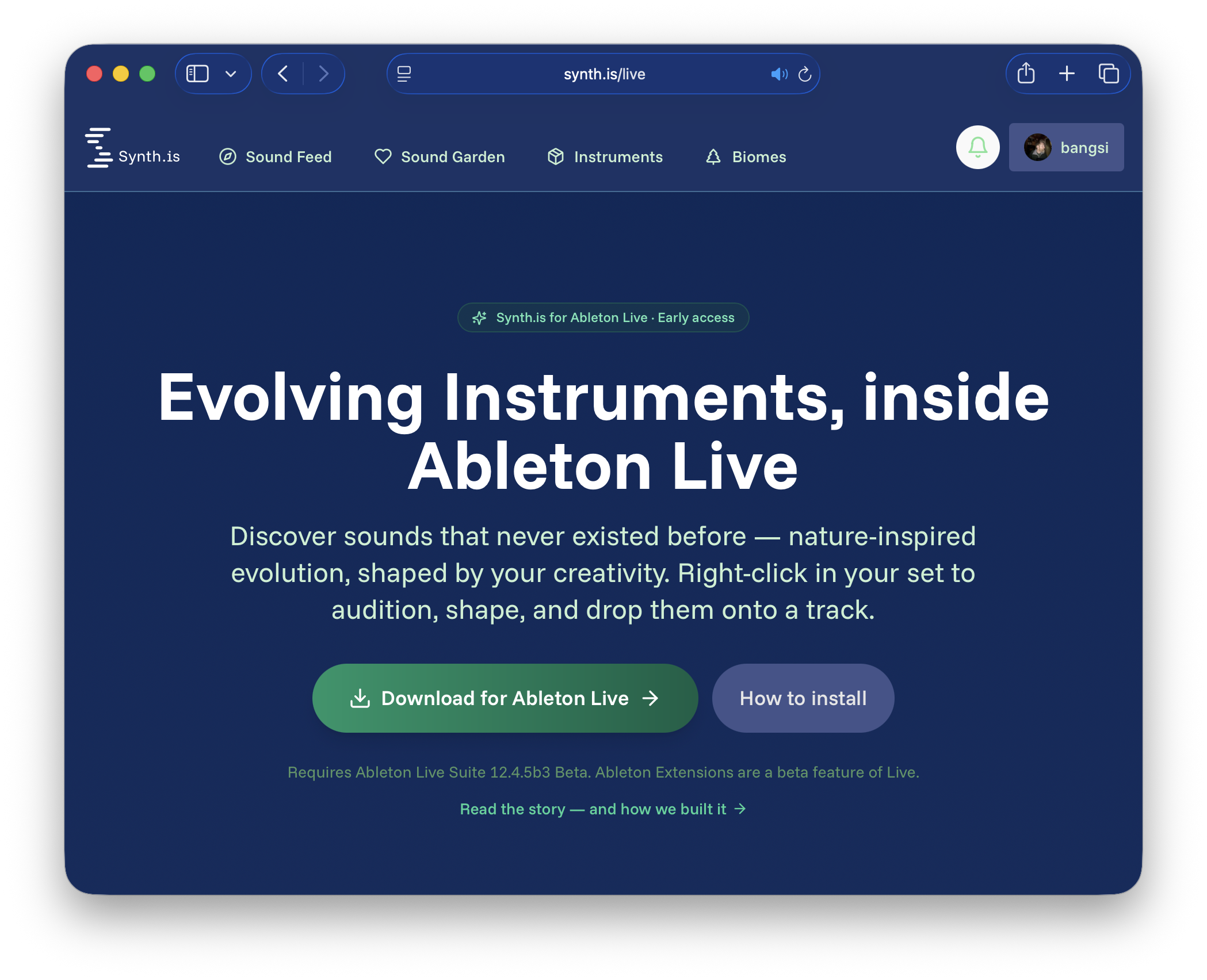
It's been a while since we wrote anything here. Not because things went quiet on our end — the opposite. We've had our heads down on Synth.is, the evolutionary sound-discovery platform that grew out of research at RITMO, University of Oslo, and we finally have something concrete, fun, and easy to share: a Synth.is extension for Ableton Live.
Before the news, a quick reminder of what Synth.is actually is — because it's a bit unusual.
Most tools that promise "new sounds" either hand you a finite library of samples everyone else also has, or they generate audio by training on large (and often murky) corpora of existing music. Synth.is does neither. Our sounds are evolved from scratch — discovered by Quality-Diversity search over networks of synthesis primitives (mainly CPPNs paired with DSP graphs; recently we've been exploring the integration of Faust nodes), guided by quality filtering and shaped by human curation. Nothing is sampled. Nothing is trained on anyone's recordings. Each sound is genuinely new material, grown rather than recombined.
We think of Synth.is less as "another synth" and more as a feeder of novel raw material into the instruments and DAWs you already trust — a way out of the rut when every session starts to sound like the last one.
The problem the extension solves
We've offered sound discovery on the web for a while — browse, audition, like, breed, build collections, render favourites as one-shot WAVs or as sample-based virtual instruments in SFZ, DecentSampler and Ableton Live formats. It's there, it works, and a growing number of Synth.is-ians have been trying it out. But there was always a seam in the workflow: you'd discover something great in the browser, render it, download it, find the file, drag it into your set. A detour, every time.
The Ableton Live extension closes that seam. Now discovery happens inside the DAW.
What it does for Ableton Live users
Right-click in your set — an empty Session clip slot, a Scene, a track, or a time selection in the Arrangement — and choose Synth.is: sound discovery. A picker opens right there in Live:
- Browse and search the whole Synth.is catalogue, across community feeds (Network, For You), your own collection, and the genome pool — a living graph of sounds the community has discovered and bred.
- Audition instantly. Most sounds preview in around a tenth of a second, played through your own audio setup.
- Shape it before you import. A built-in performance pad lets you adjust duration, pitch and velocity — and, more interestingly, make geometric perturbations to the underlying network weights and frequencies. That last part lets you spin off controlled variations of the same discovery — subtle relatives of a sound you like, which turns out to be genuinely useful in production.
- Breed new sounds. From the genome pool you can select a few sounds as parents and breed offspring — and now import those offspring straight into Live too.
- Batch it. Add several finds to a tray and send them all into your session at once. Each arrives as an audio clip — filling Session slots, laying out along the Arrangement timeline, or spinning up new tracks — in a single undo step.
Today the extension imports sounds as single (one-shot) audio clips. The
multi-sample virtual-instrument formats (SFZ / DecentSampler / Ableton .adv) remain
available from the web app, and tighter VI delivery into Live is on the roadmap — but
one-shots, shaped by the performance pad, already cover a lot of creative ground.
Why an extension (and not — yet — the desktop app)
We've planned an Electron-based desktop companion for a while, and we haven't abandoned it. But the Ableton Live extension turned out to be a faster, more accessible way to put much of what we've built into people's hands:
- It meets producers where they already work — no separate app to download, launch, and alt-tab to.
- It's easy for us to iterate. The extension embeds our existing web experience, so improvements ship the moment we update the web app — no new installer, no update prompts for users.
- It reuses everything. The same evolutionary engine, the same render pipeline, the same discovery feeds and genome pool — surfaced in a new place.
The web app at synth.is remains the deeper home of the project — richer exploration, lineage and phylogenetic views, social features, gardens, and the full render/virtual-instrument toolset. The extension is the accessible front door into your DAW; the web app is the place to go further.
For developers: building on the Ableton Extensions SDK
If you're a developer, here's the part that might be useful to you, because Ableton's new Extensions SDK is a genuinely nice piece of work and we learned a few things worth passing on.
Extensions are Node.js processes running alongside Live, written in JavaScript/TypeScript, with programmatic access to the Live Set: importing audio, creating clips and tracks, inserting devices, wrapping work in transactions and progress dialogs. For a tool like ours — "fetch/render some audio, then put it into the project" — it's a great fit.
Our core architectural decision was to not rebuild our UI inside the extension.
Instead, the extension opens our existing web app (a dedicated /ableton route) in the
SDK's modal webview, and the web app does the browsing, previewing and shaping it already
knows how to do. When the user is done, the page returns a small JSON "tray" of chosen
sounds in a single result; the extension's Node side then renders each one to a WAV,
imports it into the project, and creates the clips. One UI, reused; one render pipeline,
reused.
A few honest learnings that might save someone time:
- The webview is modal and single-result. You open it, the user does their thing, and it returns exactly one string when it closes. That shapes the UX into a clean browse → pick → send loop — which is why we added a tray so a single session can return several sounds at once.
- The extension host runtime is sandboxed.
fetchworks, but some web globals you'd reach for aren't there (we build query strings by hand instead ofURLSearchParams, and use thewspackage rather than a globalWebSocket). The filesystem is locked to the temp/storage directories the host provides — write your intermediate WAVs there. - Context-menu scope matters. Register your action on the right scopes (clip slots, scenes, tracks, arrangement selections) so it shows up wherever the user is working — our menu "didn't appear" at first simply because it was registered on a scope that only exists once you already have an audio clip.
We'll likely write a more detailed developer-focused follow-up; if there's appetite for it, tell us what you'd want to see.
What's next
We're keeping at it on three fronts in parallel:
- The underlying research — the evolutionary and quality-diversity work that makes the sounds possible continues.
- The extension — more import modes, virtual-instrument delivery into Live, and the features the web app has that we haven't surfaced yet (we're already most of the way there).
- The web app — still the deepest, most social way to explore, and where new capabilities tend to land first.
The desktop companion is still on the map. For now, the web app and the extension are where our energy goes, because they're the most accessible and the easiest to improve.
Try it
The extension is in early access, built on Ableton's Extensions SDK (currently a beta feature of Ableton Live 12.4). You can read more, see it in action, and grab it here:
→ synth.is/live — read more, watch the demo, and download.
If you make something with a sound you'd never have found otherwise, we'd love to hear it — come say hello on Discord.
Synth.is grows out of research at RITMO, University of Oslo, and is supported by the Icelandic Technology Development Fund and the Research Council of Norway.
Further reading & links
- The Synth.is web app — explore, breed, render, and go deeper: synth.is
- The extension landing page: synth.is/live
- The genome pool (community lineage graph): synth.is/genome-pool
- Render as virtual instruments (SFZ / DecentSampler / Ableton): synth.is/instrument
- Ableton Extensions SDK: https://www.ableton.com/en/live/extensions
- RITMO, University of Oslo: uio.no/ritmo
- The research this project builds on: Sound discovery with evolutionary algorithms
- Community on Discord: discord.gg/synth.is
- Demo & more videos: youtube.com/@kromosynth
- ← Previous
Evolving Sounds: What's Coming